Mobile App
Make dry cleaning even more convenient with the free Klinke Cleaners mobile app. Manage your account, keep track of your cleaning, access exclusive coupons, and let us know when you're on your way to pick up your clothes—all from your phone.
Alert Us You're Coming
Let the store know you're on your way, and we'll have your garments ready for you when you arrive.
Manage Your Account
Update your phone number, address, and other account information whenever you need to.
Get Mobile-Only Coupons
Access special offers directly from your phone. No printing or scanning required.
Track Your Orders
See which orders are ready for pickup and which are still being processed.


Getting started on the mobile app
Set up your mobile app in a few easy steps
-
Download the app to your device.
-
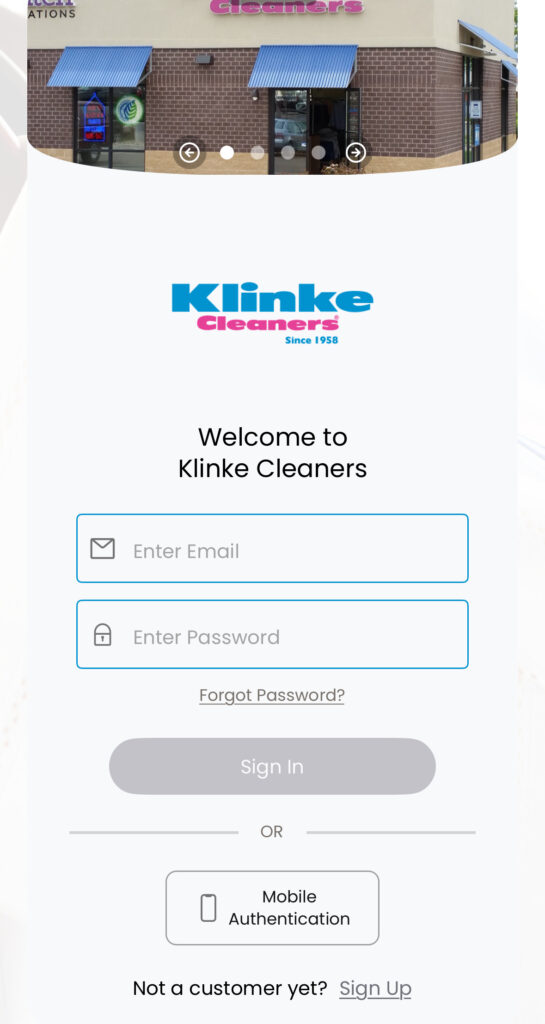
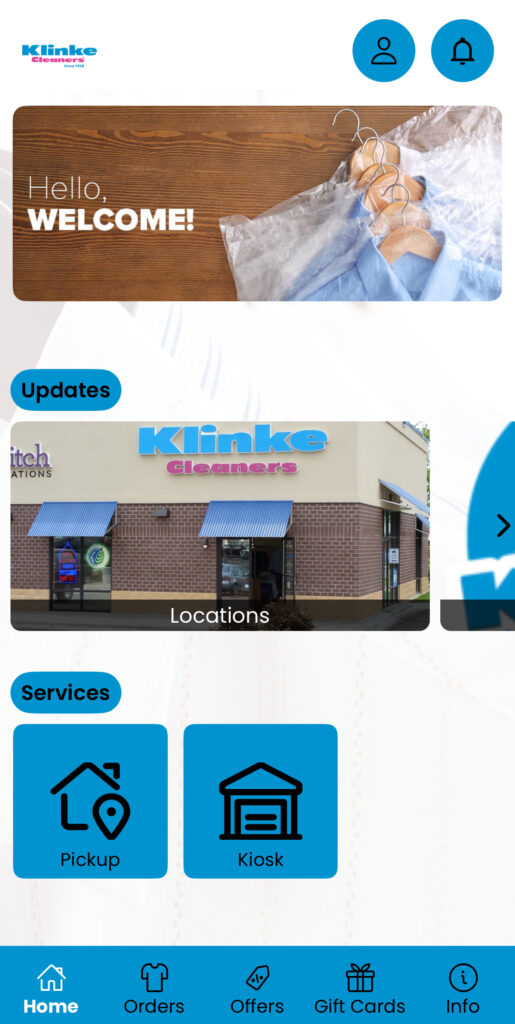
Open the app to see the welcome screen.
-
At the bottom, tap “Not a customer yet? Sign Up.”
-
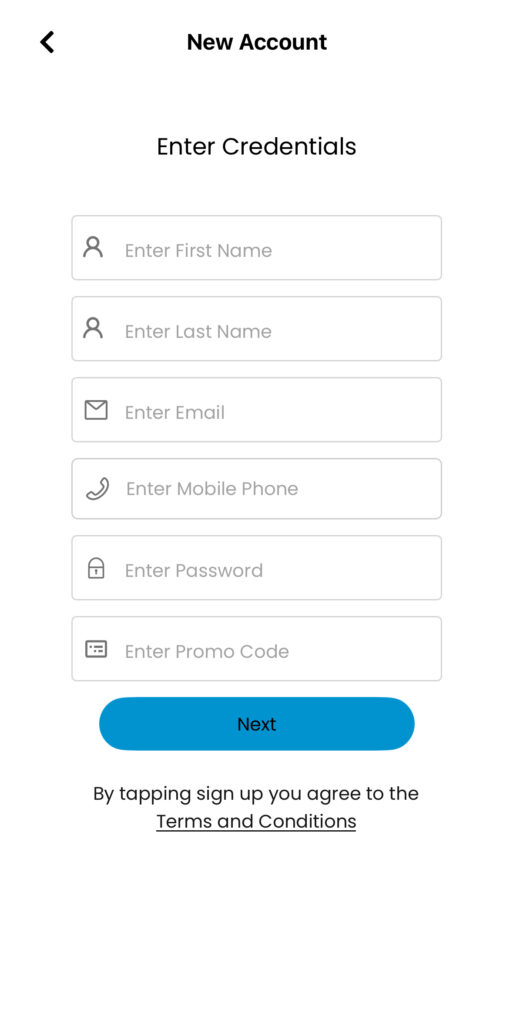
Follow the prompts to:
-
Enter your information
-
Create your account
-
Choose a location
(Pickup & Delivery customers can select the closest location to them.)
-
Once your account is set up, you’ll need to update two things in your profile: your address and credit card information.
1. Add or Update Your Address
-
Click the person icon in the top-right corner of the home screen.
-
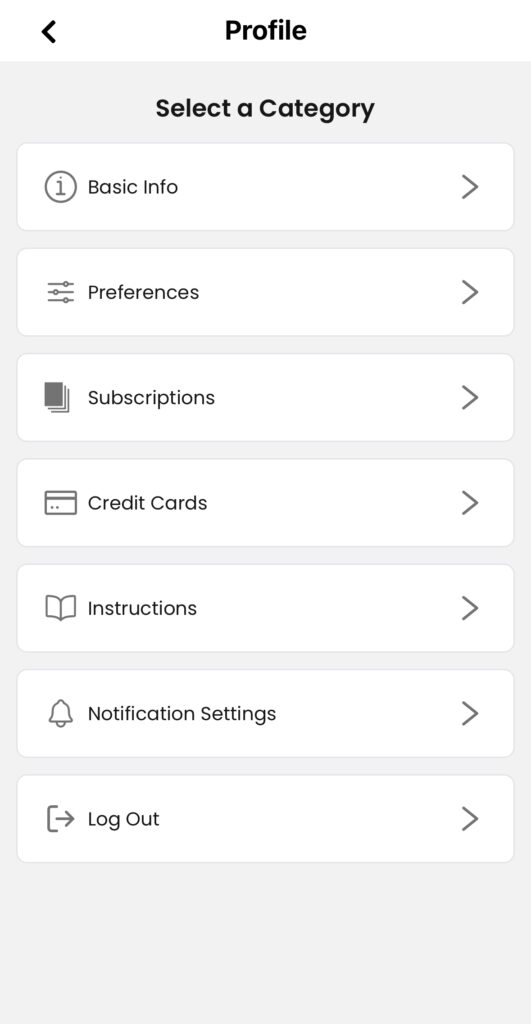
Select "Basic Info" from the menu.
-
On the "Basic Info" screen, click "Edit" in the top-right corner.
-
Enter your address, making sure the state is correct.
-
Save your changes.
2. Add a Credit Card
-
In your profile, go to the "Credit Cards" section.
-
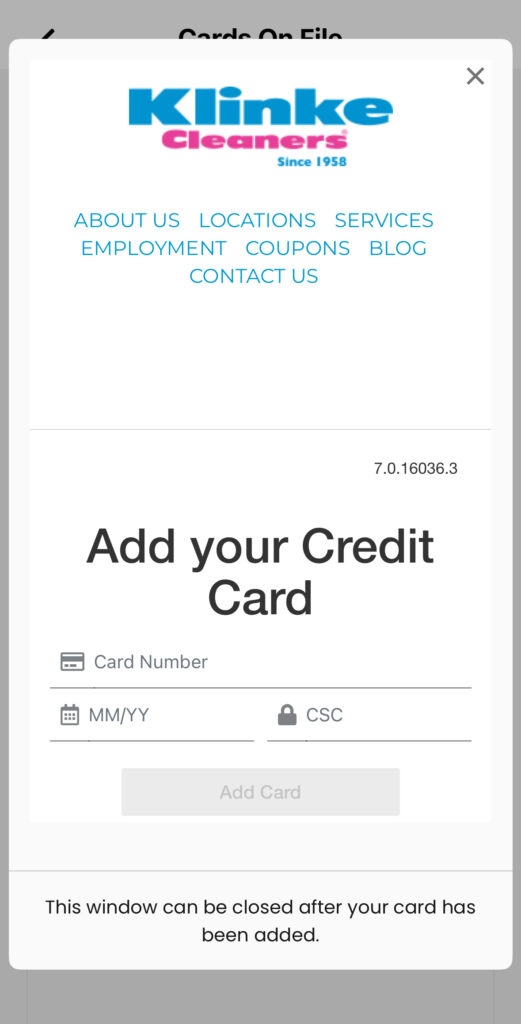
Click "Add Card" and fill in your card details.
-
Once finished, simply close the window.
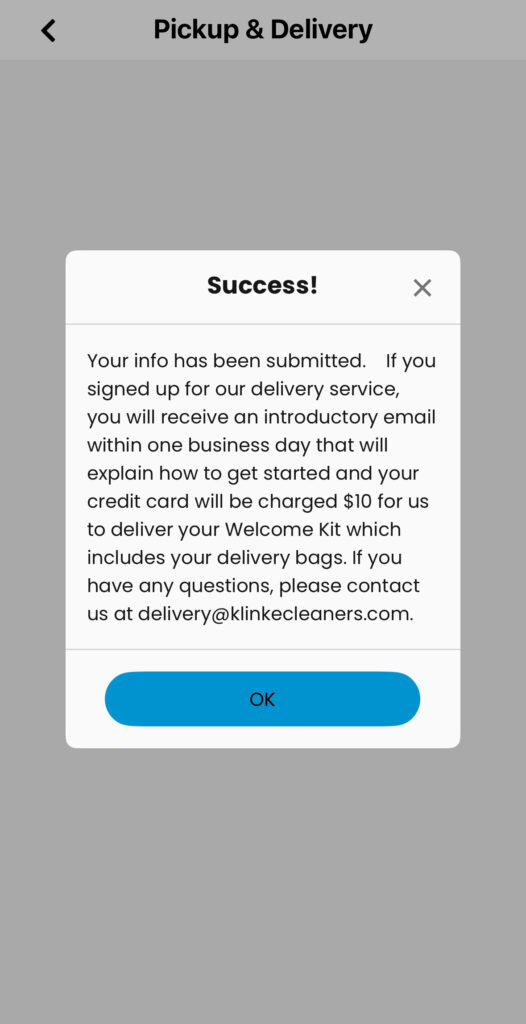
Once you've created your account and added both your address and credit card, you're all set to sign up for pickup & delivery!
Here's what to do next:
-
Go back to the home screen.
-
Click the "Pickup" tile.
-
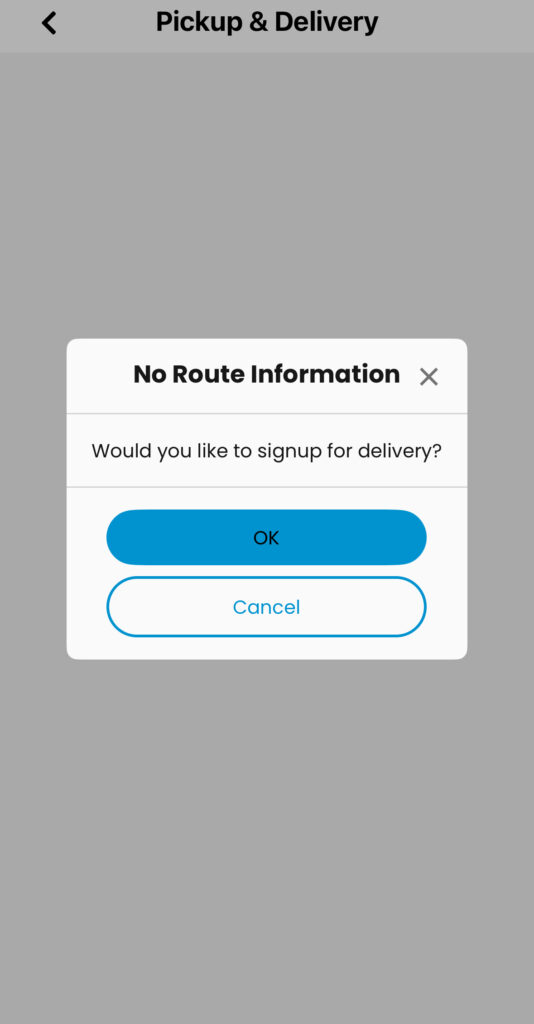
Follow the steps to sign up and choose your pickup day.
Note for Lake Mills Cleaners Clients: There is no Welcome Kit fee. Simply use your Lake Mills Cleaners bag for your first pickup.
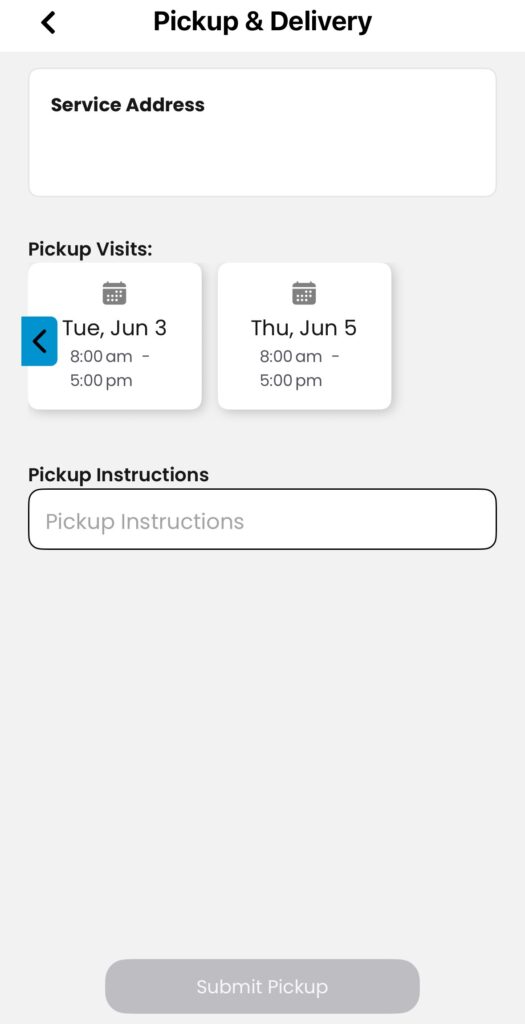
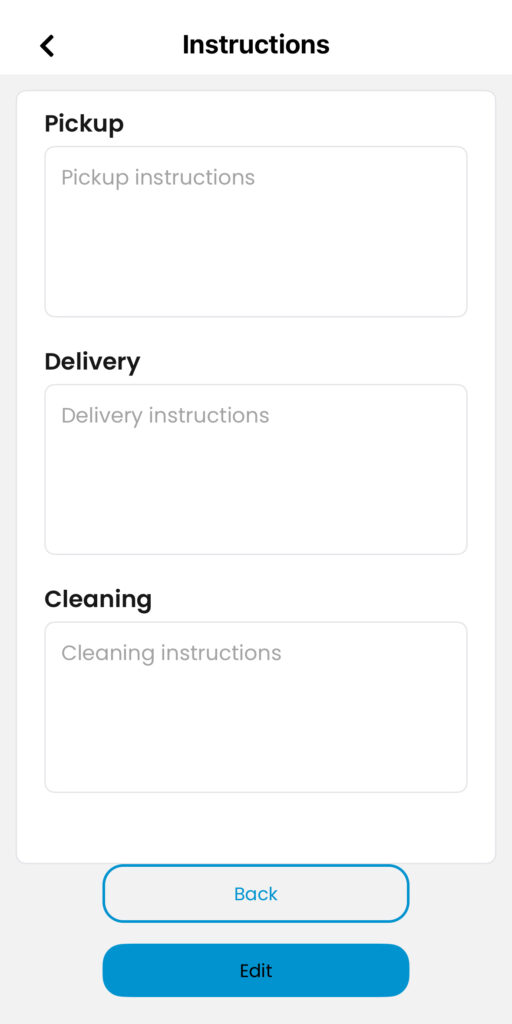
Don’t forget to add any special instructions to your profile—there are three separate sections:
-
Pickup Instructions:
Example: “Pickup bag will be on the front porch behind the bench.” -
Delivery Instructions:
Example: “Please hang finished clothes between the front door and the storm door to protect them from the weather.” - Cleaning Instructions:
Example: “Please use light starch on shirts” or “Do not crease pants.”
You can find and update these under your profile settings.